Their Favorite Podcasts — Without Your Phone
Load any kids podcast onto StorybuttonGo in three clicks, cut the ads out, and let them listen on their own — no phone handed over, no wifi needed.
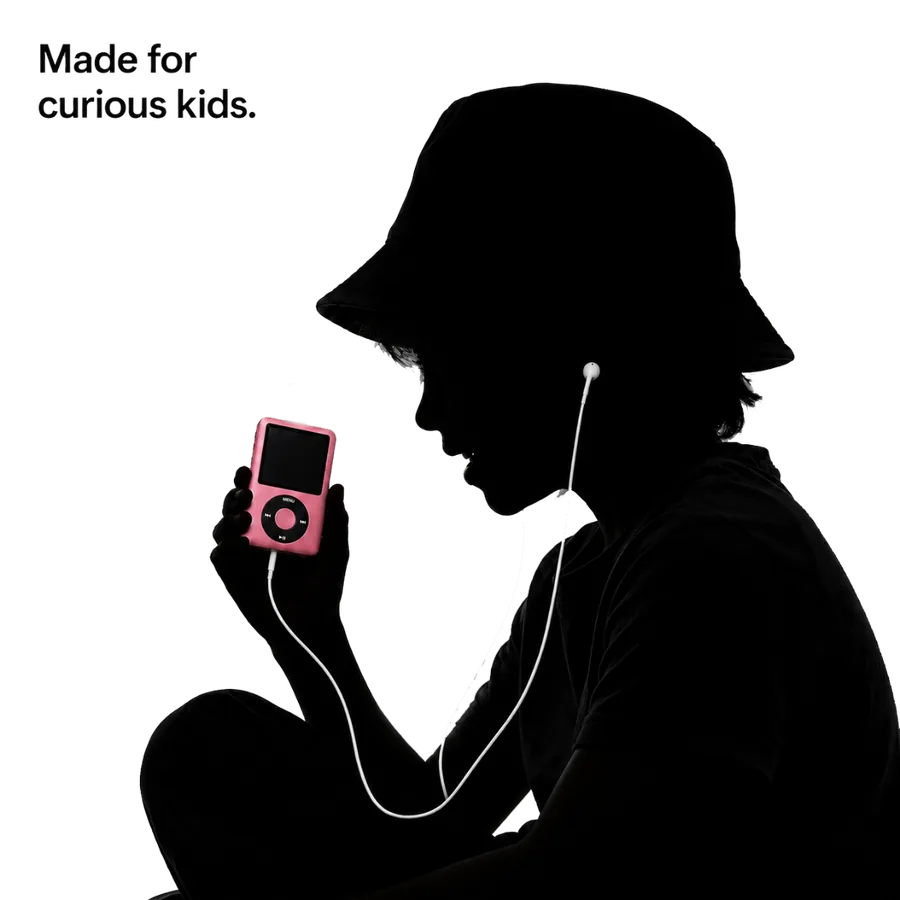
Every show they love, none of the phone
The free Storybutton App downloads whole shows straight to the microSD card. Wow in the World, Circle Round, Brains On, your own favorites — if it has a feed, it goes on the player.
Ads baked into an episode? The app's editor lets you select the ad and remove it before it ever reaches the card. And the 250 Storybutton Originals that ship on the player are ad-free from the start.
Three-click downloads
Search the show, tap download, done. Episodes land on the card ready to play.
Snip the ads
Select the ad on the waveform, hit Remove Ads, process, and it's gone for good.
Your phone stays yours
Once loaded, the player works alone — no phone, no wifi, no accounts.
Questions parents ask
How do podcasts get onto the player?
Use the free Storybutton App: find the show, tap download, and it saves straight to the microSD card in about three clicks.
Can I remove the ads in a podcast?
Yes. The app has an audio editor — select the ad on the waveform, tap Remove Ads, and process the changes. Every Storybutton Original is already ad-free.
Do episodes update automatically?
You choose what goes on the card, so nothing new appears without you. Add new episodes whenever you like.
Does my child need my phone to listen?
No. Once episodes are on the card, the player is completely independent of your phone.
Hand them the podcast, not the phone.
250 ad-free originals preloaded, plus room for every show you add.